





Check The Adapter. Then The Ring.
Wireless charging is a chain, and it runs at the speed of its weakest link. Work out what you are actually getting, then fix the link holding you back.
The wall adapter, the charger, the phone, the case and the temperature all get a vote, and any one of them can drop you from 25W to 7.5W without telling you. Here are the seven reasons, a calculator that shows your real ceiling, and the fix for each.
In this guide
- Work out your real charging speed
- The wall adapter is too small
- Your iPhone does not support 25W
- The pad is plain Qi, not MagSafe or Qi2
- The case is letting the phone sit off centre
- There is metal or a card in the stack
- It is too warm and the software throttled it
- The battery is being protected on purpose
- The sixty second diagnostic
- Who makes what in wireless charging
- What a good chain looks like
- Questions people actually ask
Every Link Votes. Slowest Wins.
- 15W wireless needs a 20W or greater USB-C adapter. 25W needs 30W or greater, rated 15V/2.0A or higher.
- 25W is supported on iPhone 17, 17 Pro, 17 Pro Max, 16 Plus and 16 Pro Max only.
- A plain Qi pad caps an iPhone at 7.5W, whatever you plug it into.
- A case without a magnet ring lets the coil sit off centre, and off centre is slow.
- A warm battery means the software limits charging above 80 percent on purpose.
Work out your real charging speed
What are you actually getting?
Three answers and you will know your ceiling. The wattage is printed on the plug.
Fifteen watts is the MagSafe and Qi2 ceiling.
1. The wall adapter is too small
This is the answer roughly half the time, and the cheapest to fix. The charging puck does not generate power, it passes it along, so the adapter behind it sets the ceiling for everything downstream.
| You want | Apple's requirement | What happens below it |
|---|---|---|
| 15W wireless | 20W or greater USB-C adapter, 9V/2.22A or 9V/2.56A or higher | Falls back to a slower profile |
| 25W wireless | 30W or greater adapter, 15V/2.0A or higher | Charges at 15W and never tells you |
The trap is the 20W adapter that came in the box with an older phone. It is a perfectly good adapter and it will charge the phone. It simply cannot negotiate the 15V rail that 25W needs, so it quietly settles for 15W and you spend a year assuming that is the ceiling.
FixMove to a 30W or larger adapter. A dual-port gallium nitride unit is the sensible version, because it runs cooler at the same output and charges a laptop when the phone is not on it.
2. Your iPhone does not support 25W
Twenty-five watt wireless charging is not a feature of every recent iPhone. Apple lists support on iPhone 17, iPhone 17 Pro, iPhone 17 Pro Max, iPhone 16 Plus and iPhone 16 Pro Max. Every other model tops out at 15W over MagSafe, and no accessory changes that.
Worth knowing before you buy a 25W charger for a phone that will never use the headroom. Worth knowing too if you have just upgraded and the charge feels no faster: the puck on your desk may be a 15W generation unit.
3. The pad is plain Qi, not MagSafe or Qi2
| Standard | iPhone speed | Alignment |
|---|---|---|
| Plain Qi | 7.5W | You line it up by hand and hope |
| MagSafe and Qi2 | 15W | Magnets centre the coil |
| Qi2.2 on supported models | 25W | Magnets centre the coil |
Seven and a half watts against twenty-five is more than a three-fold difference, and a plain Qi pad still shows the charging animation and still looks like it is working. If your charger has no magnets in it, this is very likely your answer.
FixUse a magnetic charger. The magnets are not a convenience feature, they are the alignment mechanism the higher speeds depend on.
4. The case is letting the phone sit off centre
Power transfers between two coils, and the transfer falls off fast as they move apart. A few millimetres of offset is enough to drop the rate and push the difference out as heat instead, which then triggers the thermal limit in reason six. One problem creates the next.
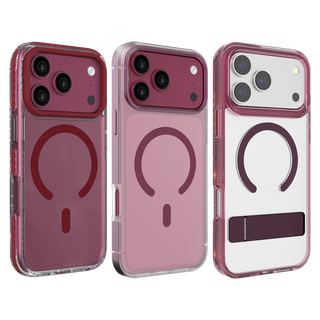
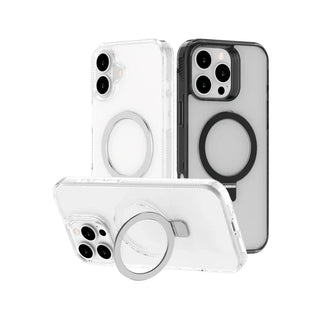
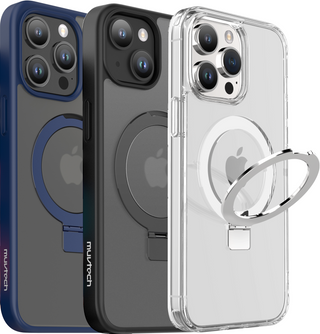
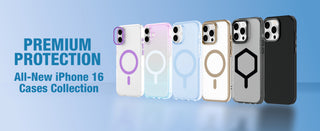
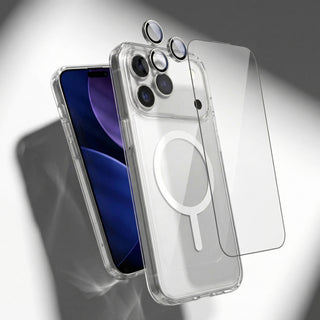
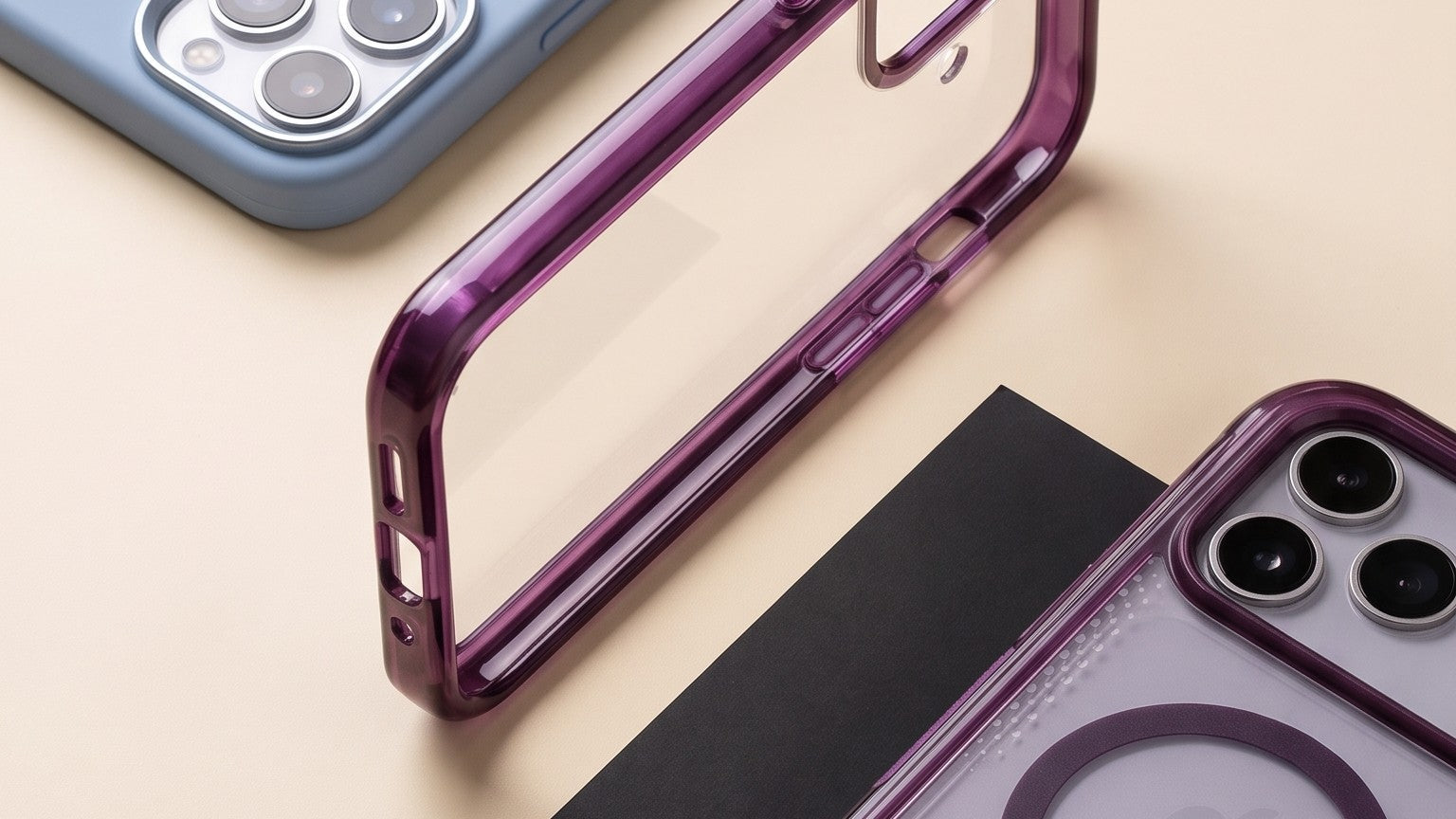
A case with a built-in magnetic ring aligns the coils for you every time you set the phone down. A case without one leaves alignment to whether you happened to place it straight. This is why supports wireless charging and built-in magnetic ring are two very different statements in a spec table.
FixTake the case off and charge for ten minutes. If it is noticeably faster, the case is the problem. Our Capri lists a built-in magnetic ring in its specification, which is the exact phrase to check for on any case you consider.
5. There is metal or a card in the stack
Apple's guidance is direct: keep the charger clear of metal objects and foreign material, and do not place credit cards, security badges, passports or key fobs between the iPhone and the charger. The cards are the more urgent warning, because the induction field can damage magnetic strips and RFID chips. Metal of any kind also absorbs energy meant for the phone and turns it into heat.
The usual culprits are a magnetic wallet left attached, a metal ring holder stuck to the back of the case, and a metal plate someone added years ago to make a car mount work. All three slow the charge, and all three are easy to forget because they live on the phone permanently.
6. It is too warm and the software throttled it
Wireless charging is less efficient than a cable, and the difference comes out as heat. iOS watches the battery temperature and reduces the rate when it climbs. Apple states that if the battery gets too warm, software might limit charging above 80 percent, and that fast charging might not work at all in conditions that are too cold or too hot.
Which means the charge slowing at 80 percent is usually not a fault. It is the phone doing its job. You can still remove most of the heat you are adding yourself:
- Do not charge on a bed, a sofa arm or anything soft. Fabric traps heat against the back of the phone.
- Out of direct sunlight, and off the dashboard.
- Stop navigation, video recording or a game while it charges. Those heat the phone from the inside at the same time.
- Use a stand rather than a flat pad, so air can reach the back panel.
7. The battery is being protected on purpose
Optimised Battery Charging learns your routine and holds the phone at 80 percent, finishing the last stretch just before you normally wake. Charge Limit does the same on demand. Neither is a fault, both look exactly like slow charging, and both live in Settings, Battery, Charging.
Two more to rule out. A software update installing in the background will slow a charge. And if you are comparing against a cable, check the cable: a thin or very long USB-C cable loses enough over the run to drop the adapter into a lower power profile, which then limits the charger too.
The sixty second diagnostic
Who makes what in wireless charging
Qi2 arrived quickly and the market has not settled. A quick orientation before the picks.
| Brand | Where it sits | Worth knowing |
|---|---|---|
| Anker | The volume leader on Qi2 magnetic packs and GaN chargers | Wide range, clear specs, easy to buy in India through Amazon |
| Belkin | Apple-ecosystem accessories, early on Qi2 and MFi | Publishes the wattage requirement alongside the charger, which most brands do not |
| UGREEN | GaN adapters and value power delivery | Strong wattage per rupee. Read the per-port split carefully on dual-port units |
| mophie and Nomad | Premium desk and travel charging | Materials and stand design are the pitch. Speeds match the standard rather than exceeding it |
| ESR and Spigen | Value magnetic accessories and stands | Good magnet strength for the money, more variable on adapter quality |
| DailyObjects | India, design-led everyday carry and desk accessories | Finish and colour lead the listing. Confirm the wattage and whether the magnets are real |
| MuvTech | India, BIS certified, sold through Aptronix, Unicorn, iDestiny, Reliance Digital and Vijay Sales | Wattage and watt-hours printed on the unit, and the adapter range goes to 45W |
What a good chain looks like
One link at a time, all in stock.

Air Cube. Small Brick. Full Rail.
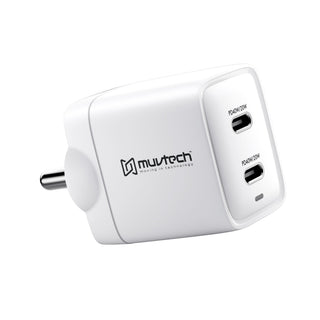
45W · Dual-port · Gallium nitride
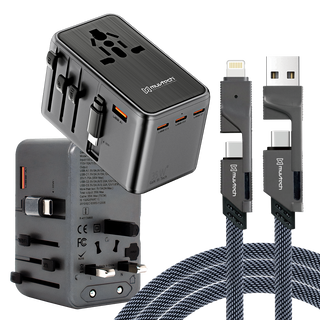
Forty-five watts clears the 30W floor that 25W wireless charging asks for, with room left for a second device. Gallium nitride runs cooler than silicon at the same output, which matters when the brick sits behind a warm charging puck all night.
₹2,499Shop Air Cube

AIR Dash PRO. Two Ports. Forty Watts.
40W · Dual-port Type-C
Forty watts, which also clears the 30W requirement, in a body small enough to leave in the bag permanently. Two Type-C ports means the phone and the earbuds share one socket at the hotel.
₹2,199Shop AIR Dash PRO

RapidPower. Short Run. Full Rate.
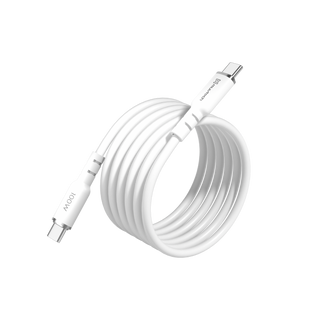
100W · Type-C to Type-C
The cable sits between the adapter and the puck, and a thin or long one loses enough over the run to drop the adapter into a lower profile. A hundred watt cable removes that variable for seven hundred and forty-nine rupees.
₹749Shop RapidPower

Slimsonic. Snaps Centre. Charges Straight.
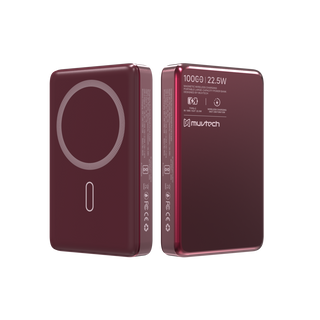
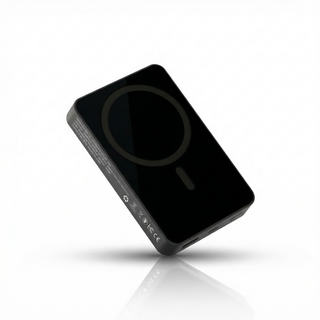
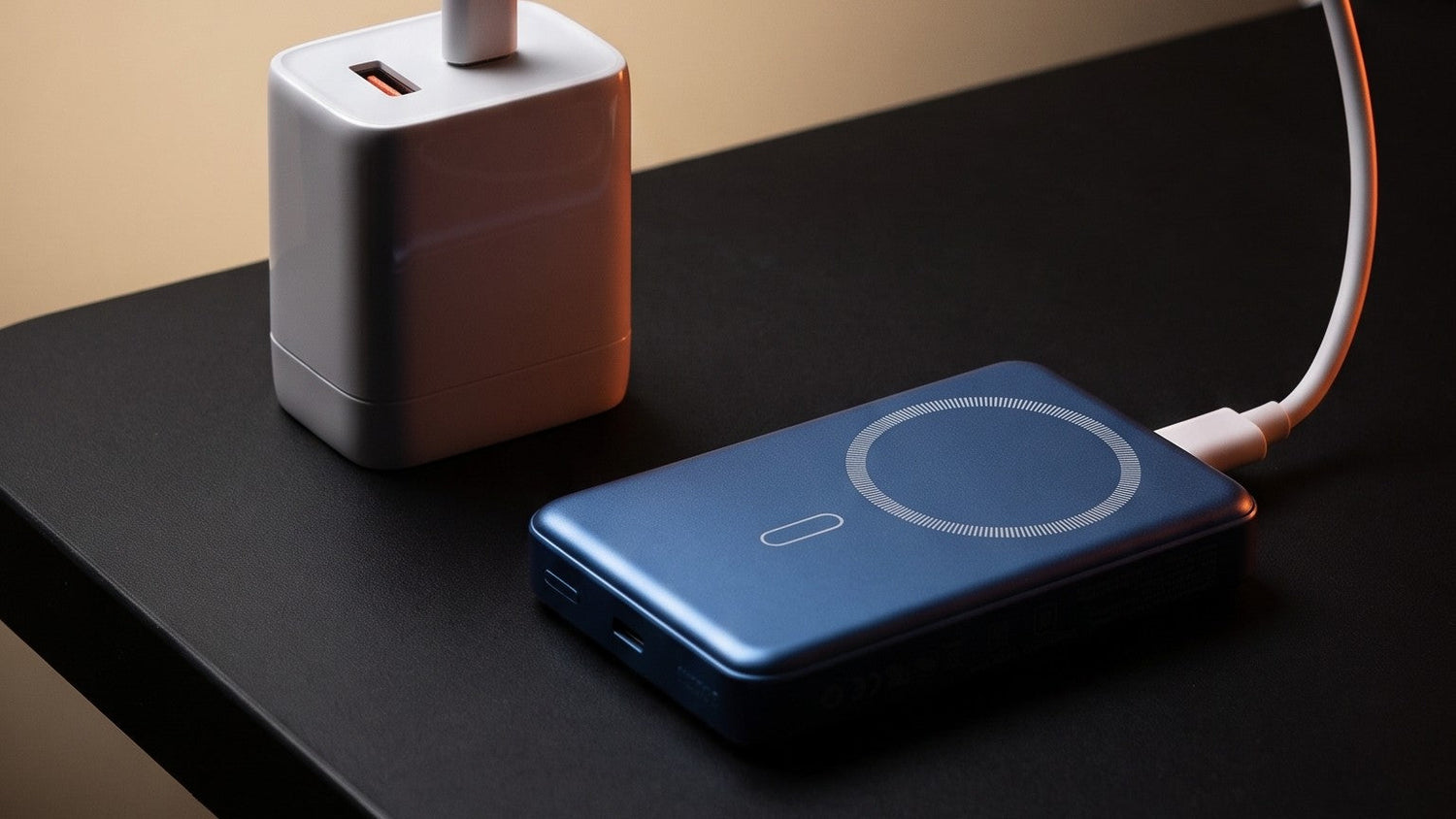
10,000mAh / 38.5Wh · 15W magnetic wireless · USB-C in and out · LED percentage display
Magnets do the aligning, so the coil sits centred rather than wherever your hand left it. Slim enough to stay attached while you use the phone, and the LED tells you what is left without pressing anything.
₹2,199Shop Slimsonic

Capri. Rings Aligned. Charge Centred.
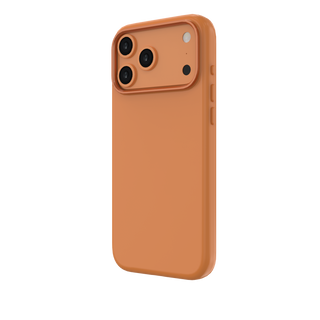
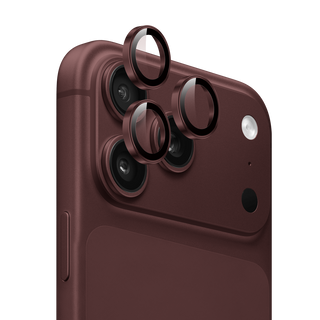
Liquid silicone · Built-in magnetic ring · Metal camera ring · Metal buttons · Works with MagSafe and Qi
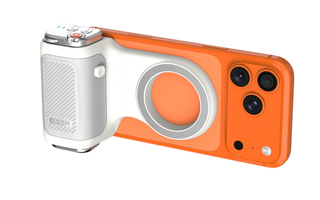
The ring is moulded into the case, so the phone lands centred on the charger every time instead of most of the time. Microfiber lining inside, metal buttons outside.
From ₹999Shop Capri
Questions people actually ask
What adapter do I need for 25W MagSafe charging?
Apple specifies a 30W or greater power adapter rated 15V/2.0A or higher. A 20W adapter meets the requirement for 15W only, and will silently hold you there.
Which iPhones charge at 25W wirelessly?
Apple lists iPhone 17, iPhone 17 Pro, iPhone 17 Pro Max, iPhone 16 Plus and iPhone 16 Pro Max. Other models cap at 15W over MagSafe.
Why does my iPhone stop charging at 80 percent?
Usually Optimised Battery Charging, which holds at 80 percent and finishes just before you normally wake. It can also be thermal protection: Apple states that if the battery gets too warm, software might limit charging above 80 percent. Both settings live in Settings, Battery, Charging.
Does a case slow down MagSafe charging?
A case without a magnetic ring lets the phone sit off centre on the charger, which reduces transfer and adds heat. A case with a built-in magnetic ring aligns the coils every time. Metal plates, ring holders and cards behind the phone all slow it down too.
Is wireless charging slower than a cable?
Yes, and it always will be. Some of the energy is lost as heat in the transfer, which is also why a wireless charge warms the phone more than a wired one at the same rate.
Can I leave a card or a magnetic wallet between the phone and the charger?
No. Apple warns that credit cards, security badges, passports and key fobs placed between the iPhone and the charger can have their magnetic strips or RFID chips damaged. Metal in the stack also absorbs energy meant for the phone.
Does a Qi pad charge an iPhone at 15W?
No. A plain Qi pad caps an iPhone at 7.5W. Fifteen watts needs MagSafe or Qi2, and 25W needs Qi2.2 with a supported iPhone and a 30W or greater adapter.
Does the cable matter for wireless charging?
It does. The cable runs between the adapter and the charging puck, and a thin or very long one loses enough over the run to drop the adapter into a lower power profile. Short and properly rated is the answer.
Right Adapter. Right Ring.
Forty-five watts at the wall, a hundred watt cable in between, magnets in the case. The chain works when every link does.
Shop chargers Shop power banksCharging requirements and model support quoted from Apple Support guidance on MagSafe and fast charging, current at the time of writing. Specifications for MuvTech products are taken from the product specification sheets on each listing. Brand descriptions reflect market positioning and are not endorsements.

Leave a comment
This site is protected by hCaptcha and the hCaptcha Privacy Policy and Terms of Service apply.